
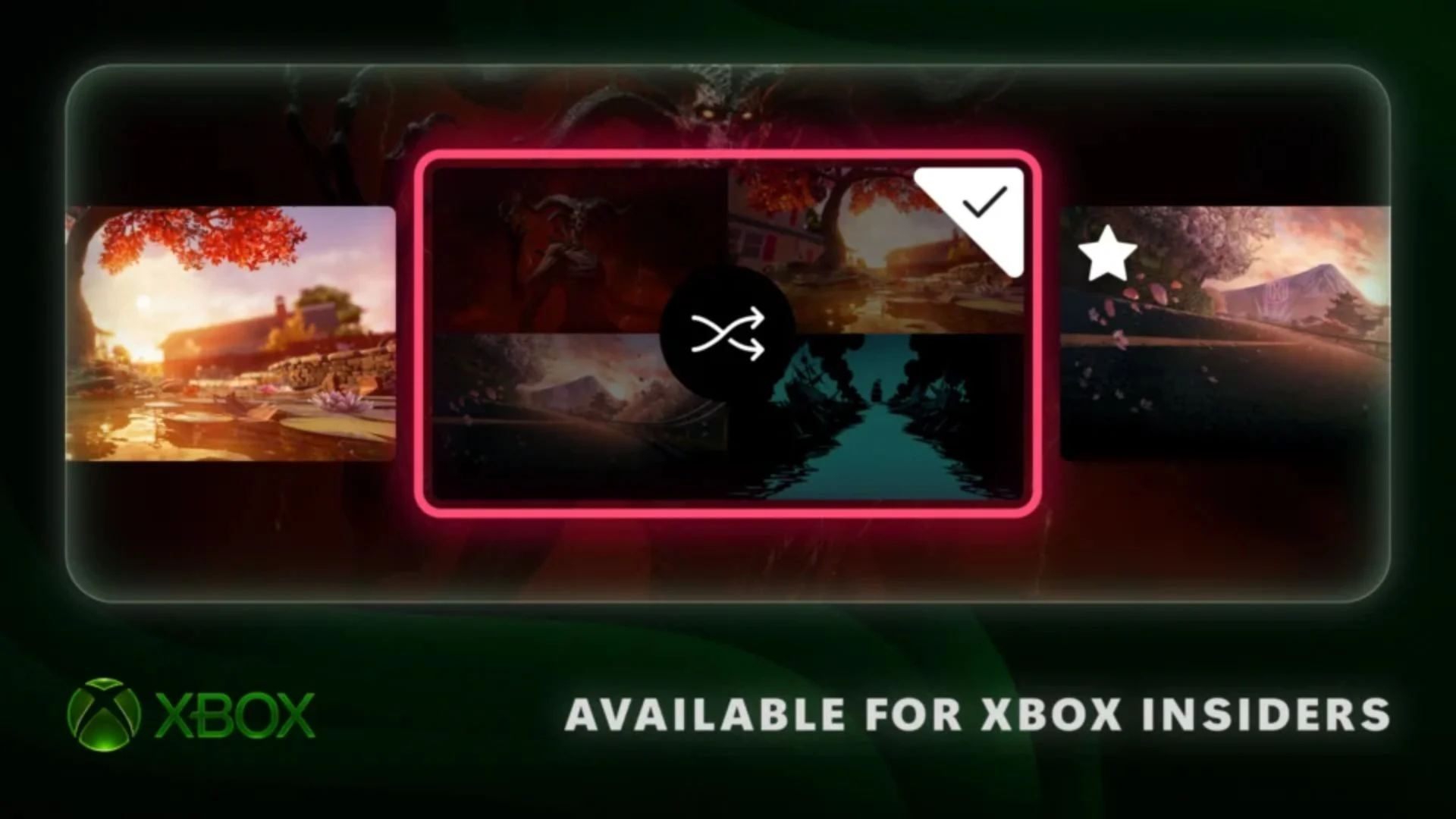

Xbox is rolling out three new console personalization features to Alpha Skip-Ahead members: rotating Home backgrounds, more control over how disc-based digital licenses appear in the game library, and the option to open the Guide on either side of the screen.
Microsoft detailed the changes in an official Xbox Wire announcement published on November 12. Alpha Skip-Ahead members are receiving the features first, with availability planned to expand to more Xbox Insiders and players over time.
Rotating backgrounds come to Xbox Home
Xbox Insiders can now mark dynamic backgrounds as favorites and have the console rotate through them automatically. To save one, users can go to Settings > General > Personalization > My background > Dynamic backgrounds, select a background, and press X. Saved choices appear in a new Favorites category.
The feature also preserves exclusive dynamic backgrounds tied to certain controllers. Xbox says that saving one of those backgrounds as a favorite allows it to remain available even when the associated controller is not connected.
A new Shuffle option appears at the beginning of each background category. Players can rotate through their favorites or an entire category, with the background changing at sign-in or on an hourly, daily, or weekly schedule.
New controls for disc-based digital licenses
Xbox players have been able to claim digital licenses for disc-based games since August. Under the new library option, Insiders who have claimed one of those licenses will see the relevant games grouped in a separate category within the full library.
Players who prefer to keep those titles alongside their other owned games can change the setting under Settings > General > Personalization > Games & apps. The same page includes an option to hide the digital license icon shown on game tiles.
The Xbox Guide can open on either side
The update also lets Xbox Insiders choose whether the Guide opens on the left or right side of the screen. The setting is available under Settings > General > Personalization > Guide.
Which of these Xbox personalization options would you use first?

Comments
No comments yet. Be the first to share your thoughts.