
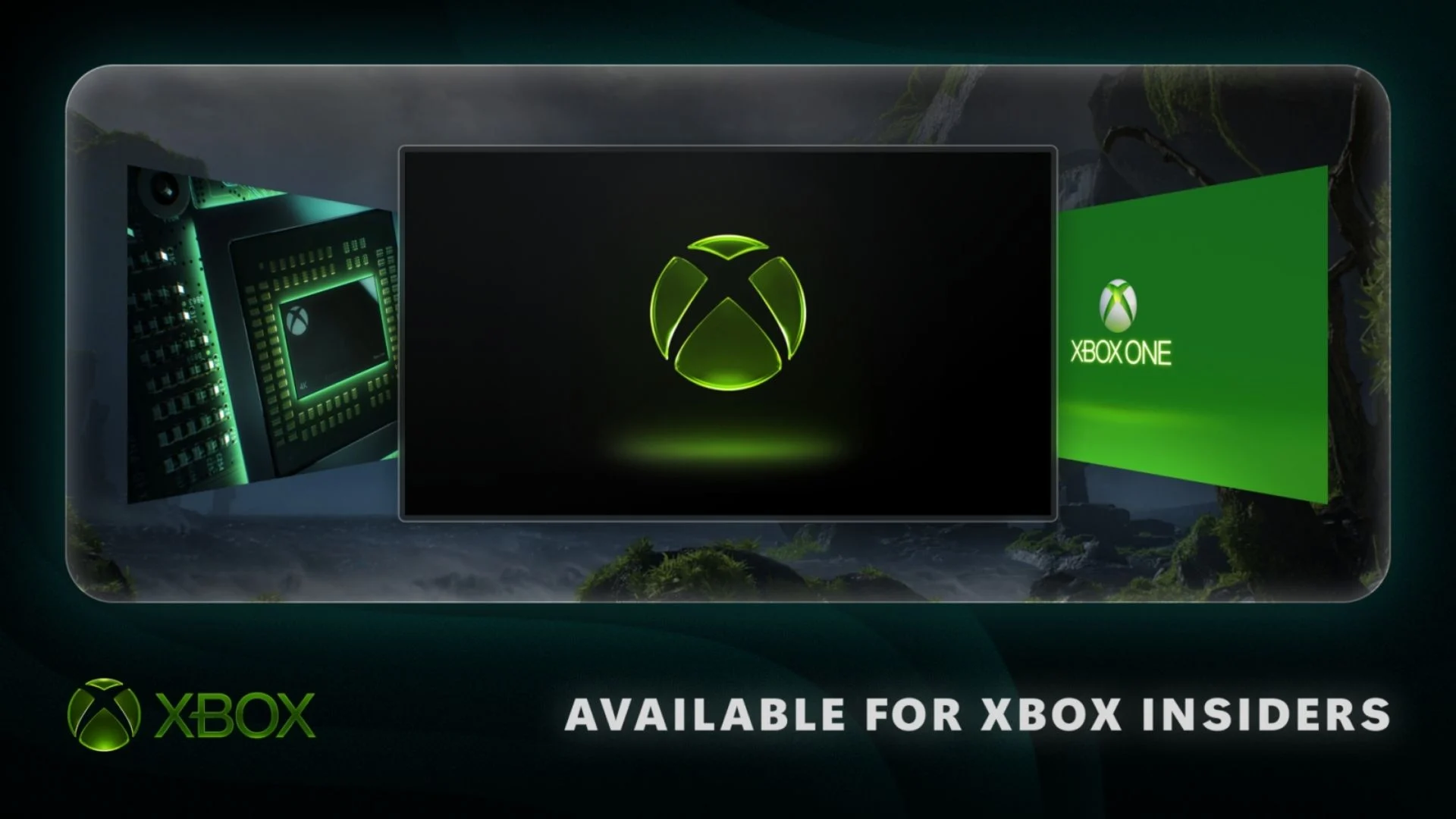

Xbox Insiders can begin testing a new collection of console features that includes up to 1440p Remote Play, selectable startup animations, profile badge controls, local search, background downloads during cloud streaming and clearer voice chat. The previews started rolling out on September 9, 2026, but availability varies by console and Insider ring.
The most important limitation is that these are preview features, not a stable public Xbox system update. In particular, the higher-quality Remote Play test is currently restricted to Xbox Series X|S users in the Alpha Skip-Ahead and Alpha rings. Microsoft detailed the complete test in an official Xbox Wire announcement.
Xbox Remote Play can reach 1440p in two Insider rings
Xbox Series X|S owners enrolled in Alpha Skip-Ahead or Alpha can test Remote Play at resolutions up to 1440p with higher video bitrates. The changes are intended to produce a sharper stream and smoother-looking play when the receiving device and network can handle the additional data.
Remote Play streams a game from a console the user already owns to another supported device, such as a PC, phone or television. It is separate from Xbox Cloud Gaming and does not require an additional subscription. During this preview, some devices may not yet show separate quality settings for Cloud Gaming and Remote Play. When streaming quality is set to Auto, Remote Play chooses the highest supported resolution and bitrate even if the on-screen setting appears to show something lower.
Microsoft recommends setting the console’s display resolution to 1440p or 4K UHD under Settings > General > TV & display options to use the new quality ceiling. The company has not announced when 1440p Remote Play will reach other Insider rings or the public system software.
Startup animations can be selected by generation
Insiders can now choose which animation appears when their Xbox powers on. The available choices span multiple eras, from Xbox One through the latest generation, giving players a simple way to personalize the startup sequence around a favorite period of the platform.
The selector is located at Settings > System > Startup. Sound remains independently controllable, so the chosen animation can play with or without audio. The addition builds on Xbox’s use of its visual history in console customization; Game News Plus previously covered the original Xbox dashboard-inspired dynamic background for Xbox Series X|S.
Profiles can showcase up to five earned badges
The profile card showcase now supports as many as five earned badges. Players decide which achievements or milestones receive the most prominent placement, while controls for individual badges allow them to hide anything they do not want displayed publicly.
This is a presentation and privacy update rather than a new badge system: it gives Insiders more control over how badges they have already earned appear to other people.
Local search targets long game and achievement lists
A new local search tool helps Insiders find a specific game or achievement without manually scrolling through a large collection. It appears in My games & apps, official club achievement lists and each profile’s achievement history.
Search operates alongside the filters and sorting controls that are already available, so users can narrow a list and then search within it. Microsoft describes this as local search, meaning it is focused on the content visible in those console lists rather than acting as a broader web or store search.
Downloads can continue while a cloud game is streaming
Xbox has expanded the preview that lets users begin streaming a game while it installs or updates. When network conditions permit, downloads can now continue in the background during a cloud gaming session instead of pausing until streaming stops.
Microsoft expects Xbox Series X|S owners to see the largest improvement. The behavior depends on available bandwidth, so the console may still need to prioritize the active stream when a connection is constrained. Users can manage or disable it at Settings > Cloud gaming > Streaming preferences.
Voice Clarity reduces everyday background noise
Xbox Series X|S Insiders can also test Voice Clarity, an audio-processing feature designed to reduce common background noise during conversations. It is enabled by default in Xbox party chat and in most games released since 2020.
The feature can be managed at Settings > General > Volume & audio output > Additional options. Xbox did not claim that it can remove every sound or that it will work identically with every game and headset; the preview is intended to test how effectively it keeps voices understandable in everyday conditions.
Party reliability and security changes are happening behind the scenes
The same test wave includes party updates aimed at reliability and security. Xbox did not describe major new controls or a redesigned party interface, characterizing the work as behind-the-scenes improvements that need Insider feedback.
That distinction matters across the entire rollout. The startup, profile and search tools have visible interfaces, while Remote Play quality has a narrow ring requirement and the party work may not be obvious at all. Microsoft can adjust, expand or remove Insider features before they reach the stable Xbox operating system, so none of these previews should yet be treated as universally available Xbox Series X|S features.
Comments
No comments yet. Be the first to share your thoughts.