
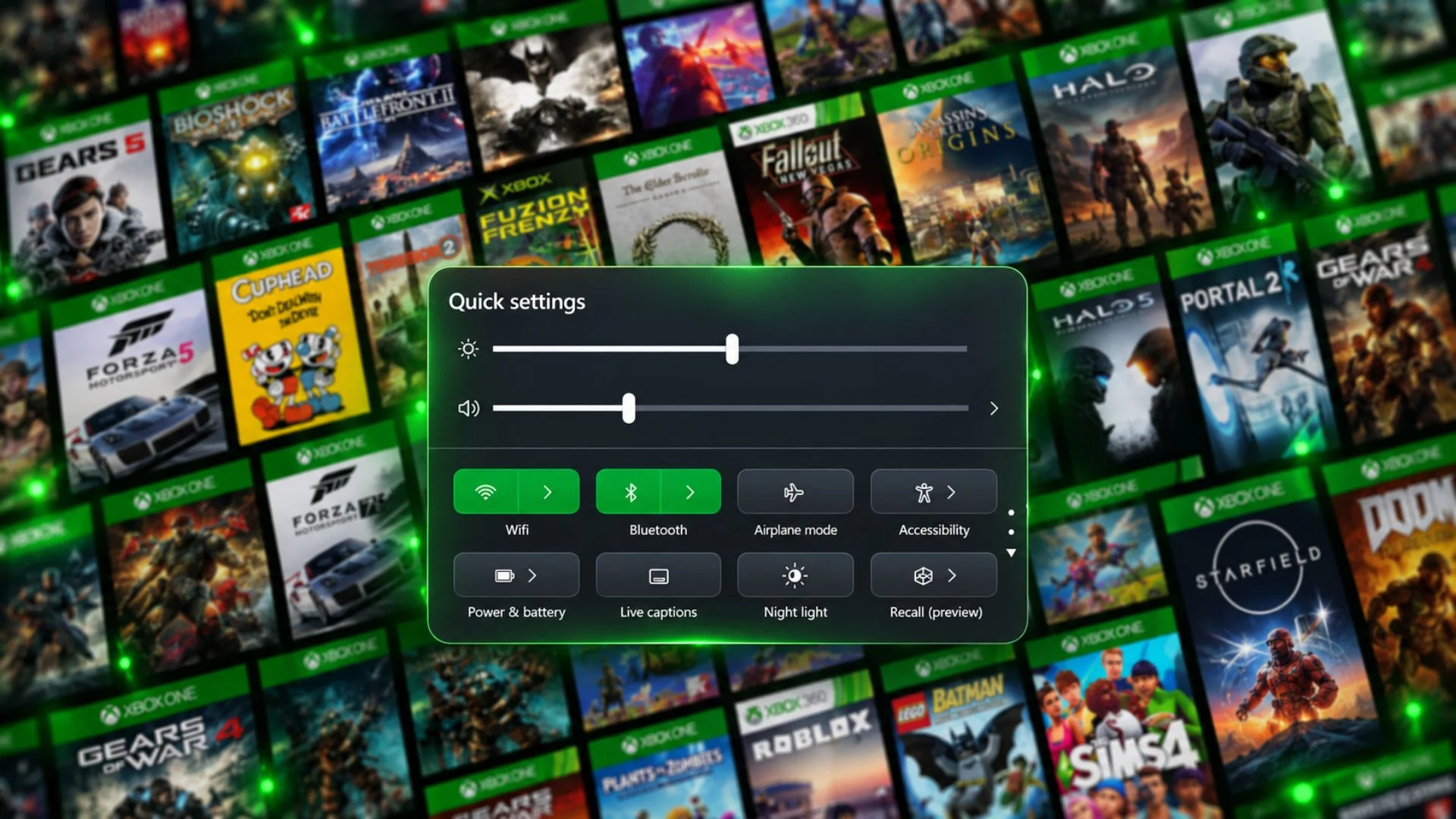

Microsoft is adding Windows 11 Quick Settings directly to the Gaming Task View navigation bar in Xbox Mode, letting players adjust common system controls without returning to the traditional desktop.
The change is rolling out through the Windows Insider Experimental channel in Windows 11 Build 26340.9843, released on October 30, 2026. It is a preview feature and is not generally available to every Windows 11 user.
Microsoft says the new panel provides the full set of Quick Settings normally available from the Windows taskbar. Depending on the device, that can include Wi-Fi, Bluetooth, volume, brightness, battery and power controls, along with other supported toggles.
Placing those controls inside Gaming Task View removes a common interruption in the controller-first experience. Players should be able to make routine changes while remaining inside Xbox Mode instead of navigating back to the desktop and reaching for a mouse or keyboard.
Xbox Mode is designed to make Windows 11 feel more like a console interface on gaming-focused PCs. The Gaming Task View navigation bar already provides access to system actions such as returning to the desktop and opening power options; adding Quick Settings moves more everyday controls into the same layer.
The Experimental channel label remains important. Microsoft uses controlled rollouts for many Insider features, beginning with a subset of testers, and warns that preview features can change, be removed or never reach the stable version of Windows 11.
Which Quick Setting would be most useful for you to control without leaving Xbox Mode?
Comments
No comments yet. Be the first to share your thoughts.