

Windows 10 Fall Creators Update is now available for everyone and ready for download. Of course, we are mostly interested in what this update brings regarding of gaming.
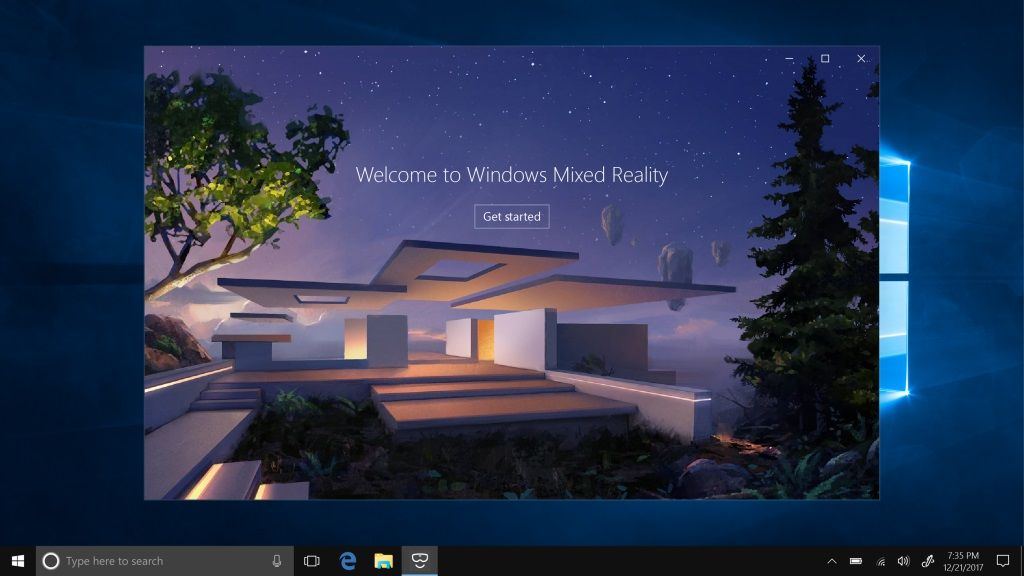
With the Windows 10 Fall Creators Update, there comes Windows Mixed Reality which is a way to get more creative. With Windows Mixed Reality, you can tour top travel destinations, get inside the most exciting games, attend the most popular events, even travel across time and space. All you need is a headset and a compatible Windows PC.
Along with that, we now have a reimagined version of the Photos app. We can now add filters, text, 3D effects – and soon full 3D objects – , a digital link to our photos and video clips. For example, if you click on the create button and select two or more photos or videos, the Photos app will automatically bring together your memories into a video.
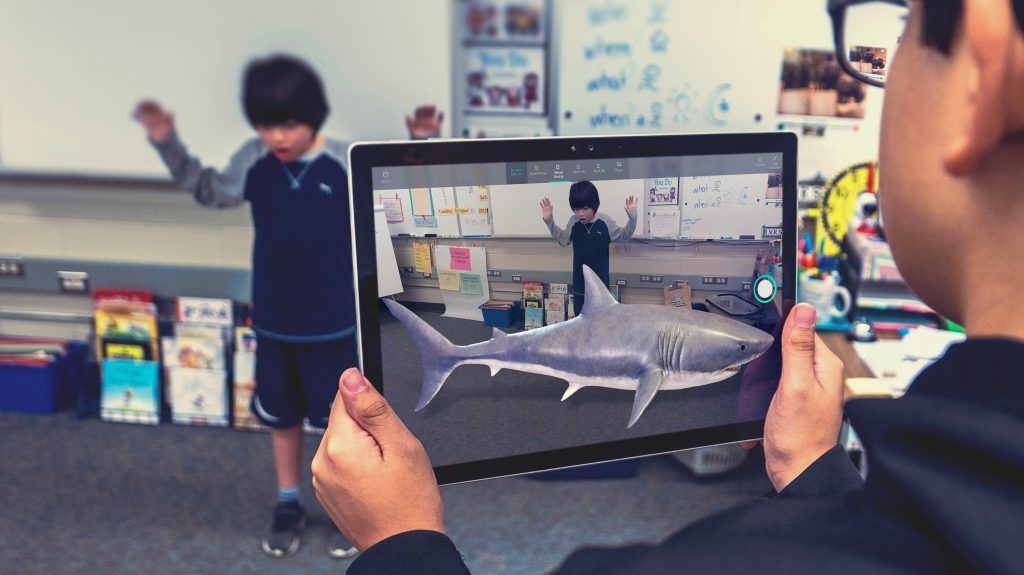
With Mixed Reality Viewer, we can now see 3D objects – either from the Remix3D.com community or our own creation from Paint 3D – mixed into actual surroundings through our PC’s camera for powerful ways to bring our story to life.
Also, there is now an easy and quick way to our top people. My People lets us pin our top people to the taskbar for one-click access. Communication apps, starting with Mail and Skype, come up together custom-filtered by individual. Sharing is as easy as dragging a file directly onto the pinned contacts in your taskbar. Emoji from your pinned contacts are able to appear and animate right from the taskbar.
So what about Cortana, you ask? In addition to exciting voice-activated features like reaching Cortana above the lock screen, you can now ask Cortana to shut down, restart, or sleep your PC.
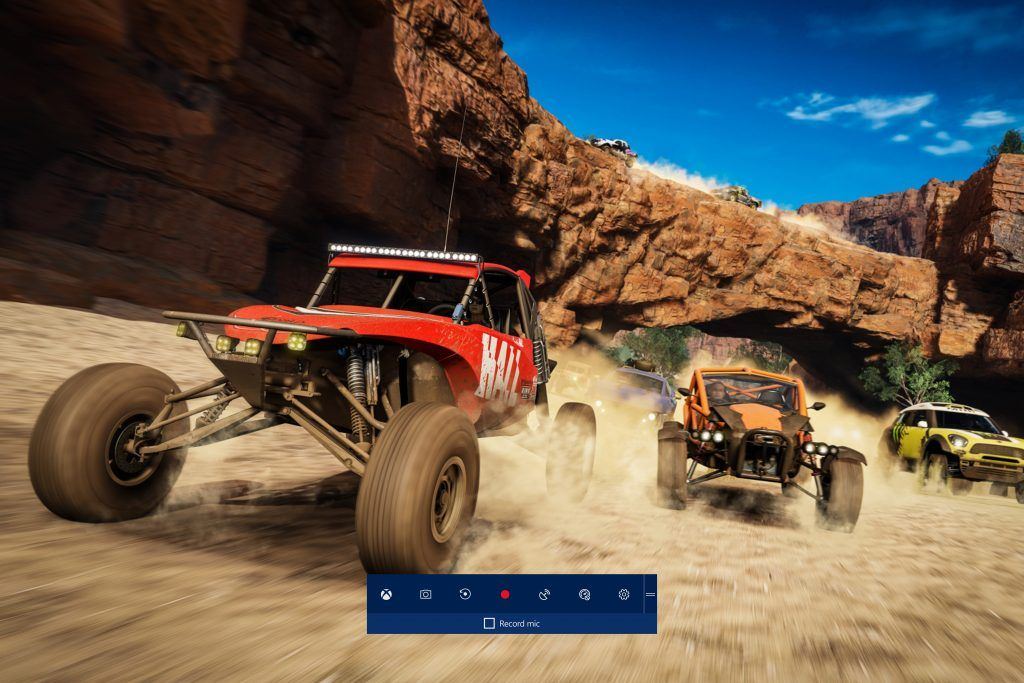
Microsoft 10 Fall Update brings major changes and updates besides the ones we’ve shared with you above. But, most importantly, there are notes on PC gaming. Here they are:
-
- Game Mode. You can now easily toggle Game Mode for the game you’re in, directly from the Game bar.
- Mixer: Mixer broadcasting will load and start faster than before. Also, when broadcasting to Mixer, you can now determine audio stream sources.
- New help options: We’ve added a new “Xbox Networking” section in Settings under Gaming, to help PC gamers identify and ensure network connection quality while using voice chat and playing multiplayer games.
- GPU in Task manager. Windows Task Manager now displays information about the graphics hardware and performance of your system.
For more detailed information and to read the full notes, you can visit here. Stay tuned!
Comments
No comments yet. Be the first to share your thoughts.